
How do I buy a paid bot?
Click Buy for $… on the listing, then pay by card, PayPal or credits.
Steps
- Open the paid bot’s listing page.
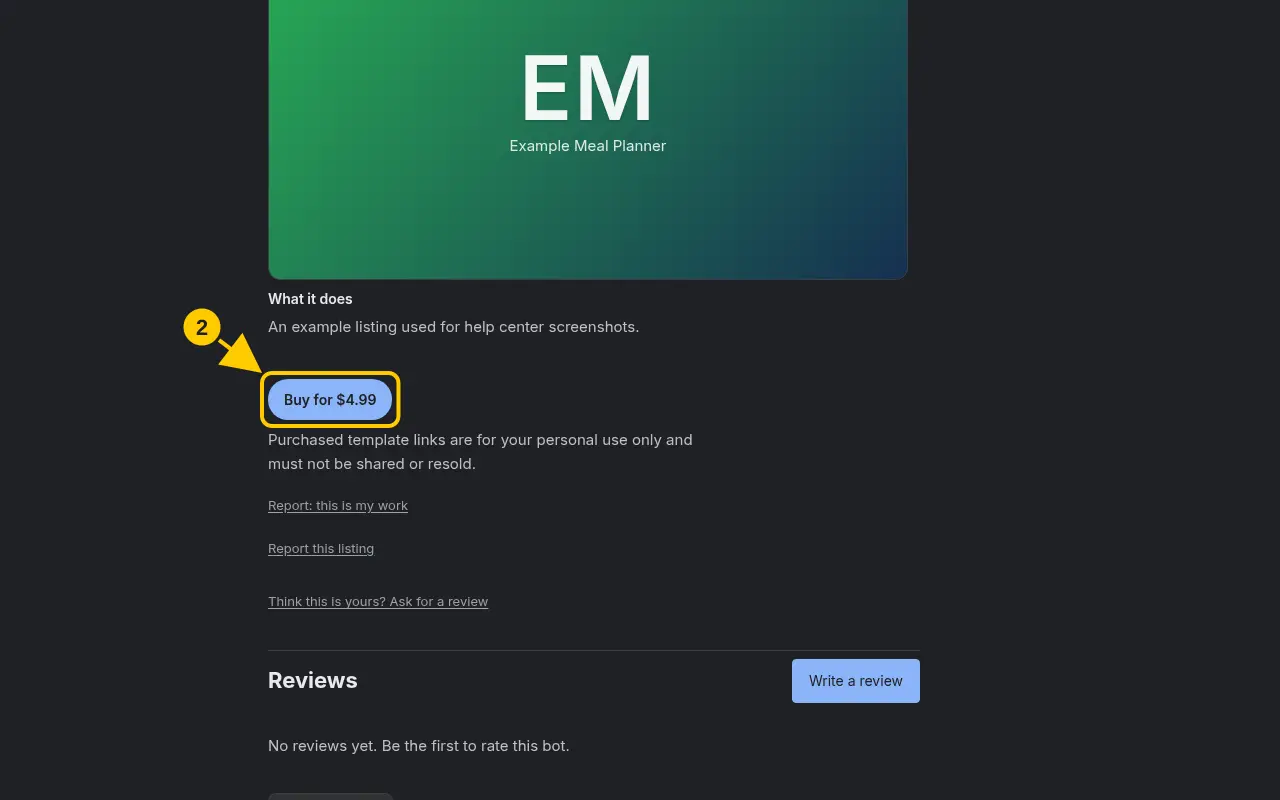
- Click Buy for $…. If you aren’t signed in, sign in first.
- Choose Card, PayPal, or pay with credits if you have enough.
- Finish checkout. When you’re back on SearchBots, the button changes to Add to Grok Bot.
Good to know
- Purchased links are for your account only. Please don’t share or resell them.
- Find everything you’ve bought under your name → My Purchases.
Was this helpful?Thanks for the feedback!