
Help › Your account and collection
How do I write, edit or delete a review?
Sign in, open a bot and click Write a review.
Steps
- Sign in, then open the bot’s listing page.
- Scroll to Reviews and click Write a review.
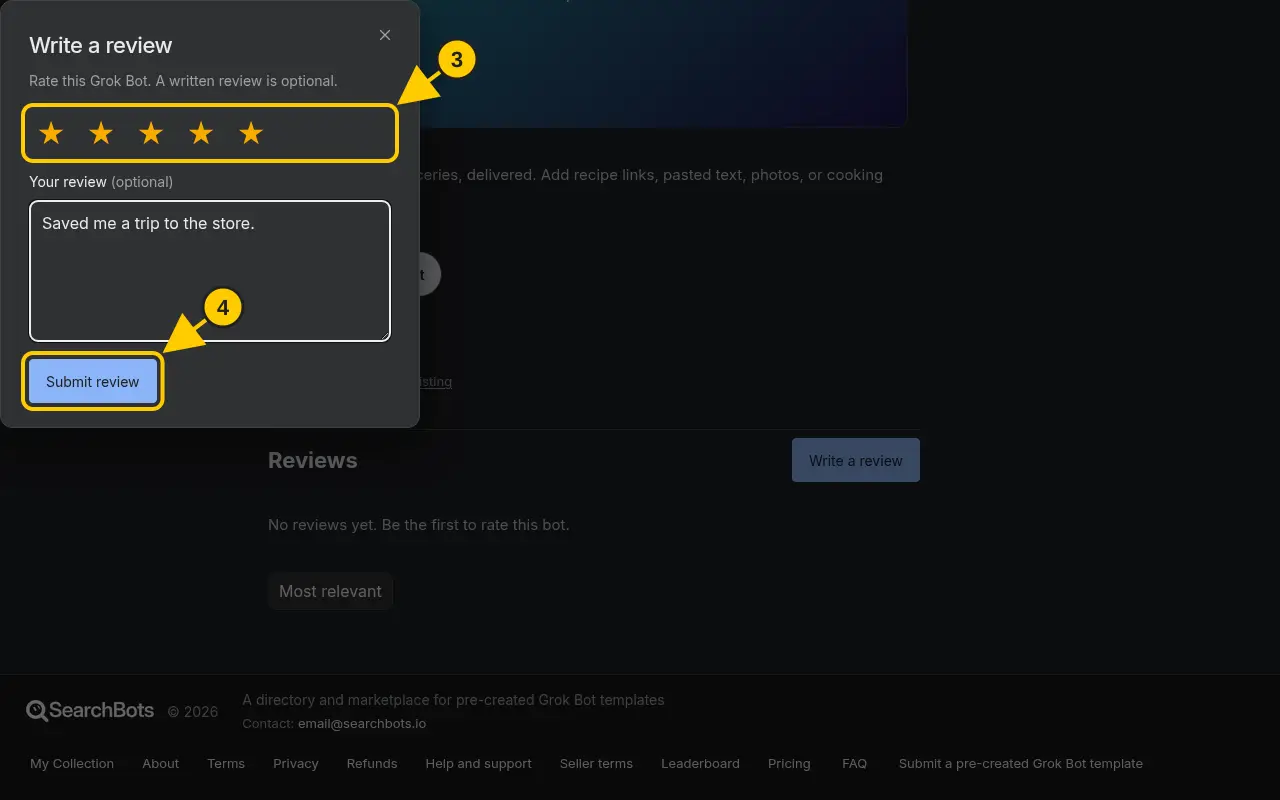
- Pick 1 to 5 stars. Writing a few words is optional.
- Click Submit review.
- To change it later, click Edit your review. To remove it, click Delete review in the same window.
Good to know
- You can mark other reviews as helpful, or report one that breaks the rules.
Was this helpful?Thanks for the feedback!