
Help › Your account and collection
How do I sign in?
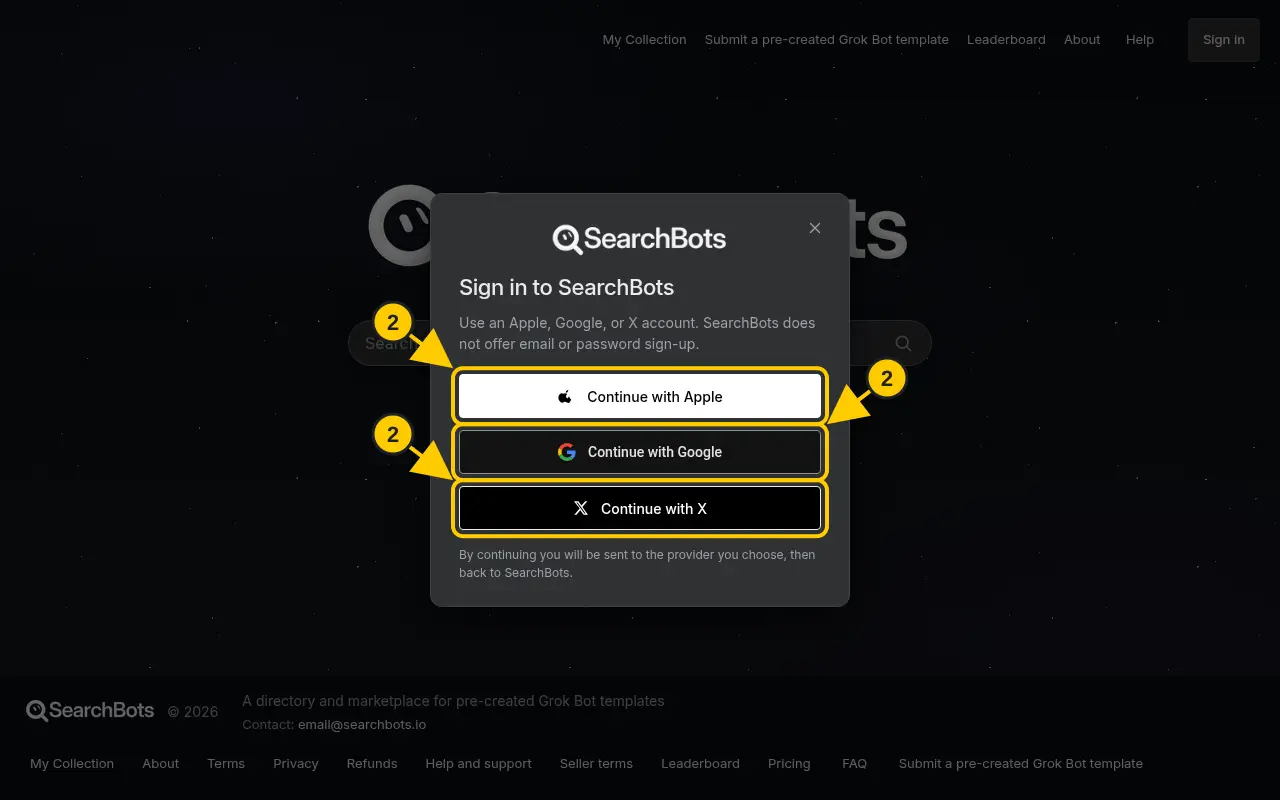
Click Sign in and continue with Apple, Google or X. There’s no password to create.
Steps
- Click Sign in in the top right corner.
- Choose Continue with Apple, Continue with Google or Continue with X.
- Approve the sign-in on that site. You’ll come right back to SearchBots.
- To sign out, click your name in the top right, then Sign out.
Good to know
- If you opened SearchBots inside another app (like X or Instagram), Google may block the sign-in. Open the page in Safari or Chrome instead.
- Use the same sign-in option each time so your collection and purchases stay together.
Was this helpful?Thanks for the feedback!