
How do I submit my bot?
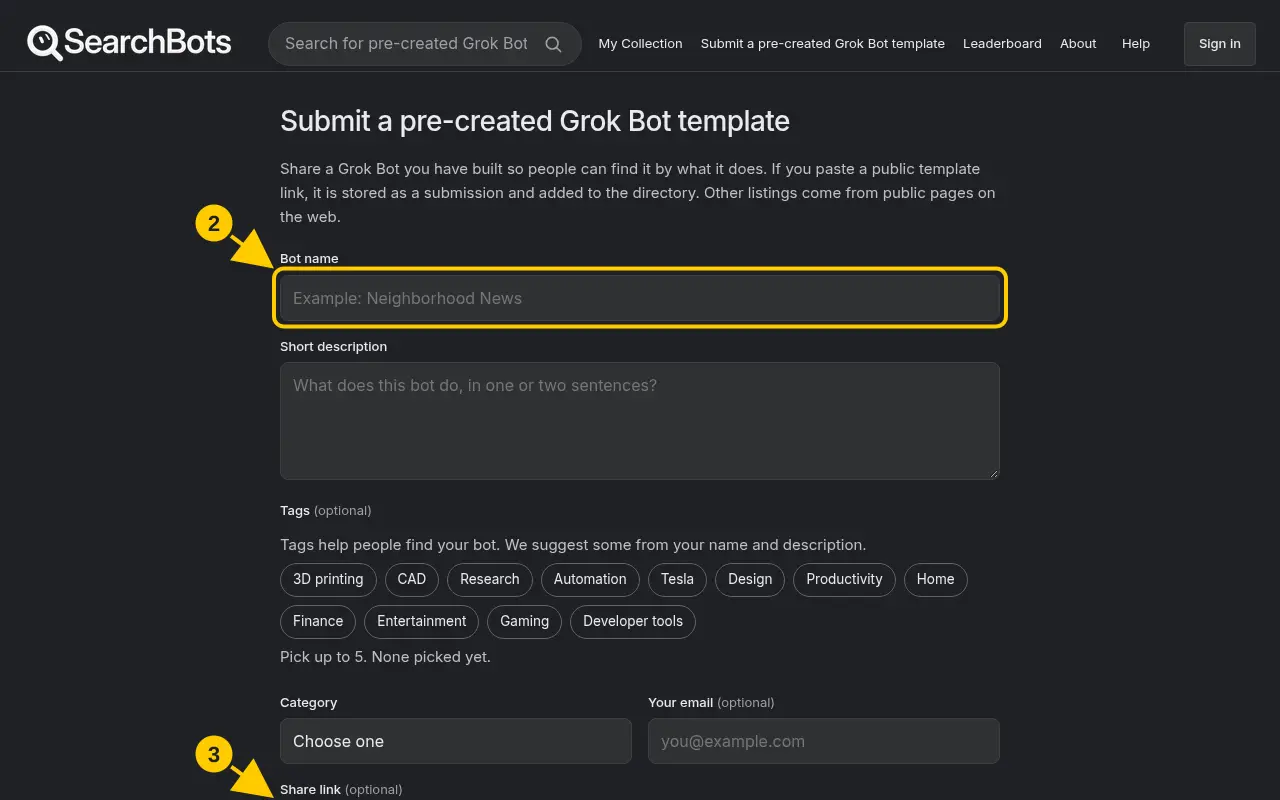
Click Submit a pre-created Grok Bot template and fill in the form.
Steps
- Click Submit a pre-created Grok Bot template at the top of the page or in the footer.
- Fill in Bot name, Short description and Category. Add tags if you like.
- Paste the bot’s Share link from the Grok Bot app.
- Optionally add a thumbnail, your creator name and your social links.
- Click Submit bot.
Good to know
- Planning to sell it? Use a private share link you haven’t posted anywhere else. See How do I get a private share link?
Was this helpful?Thanks for the feedback!