
Help › Your account and collection
How do I share my collection?
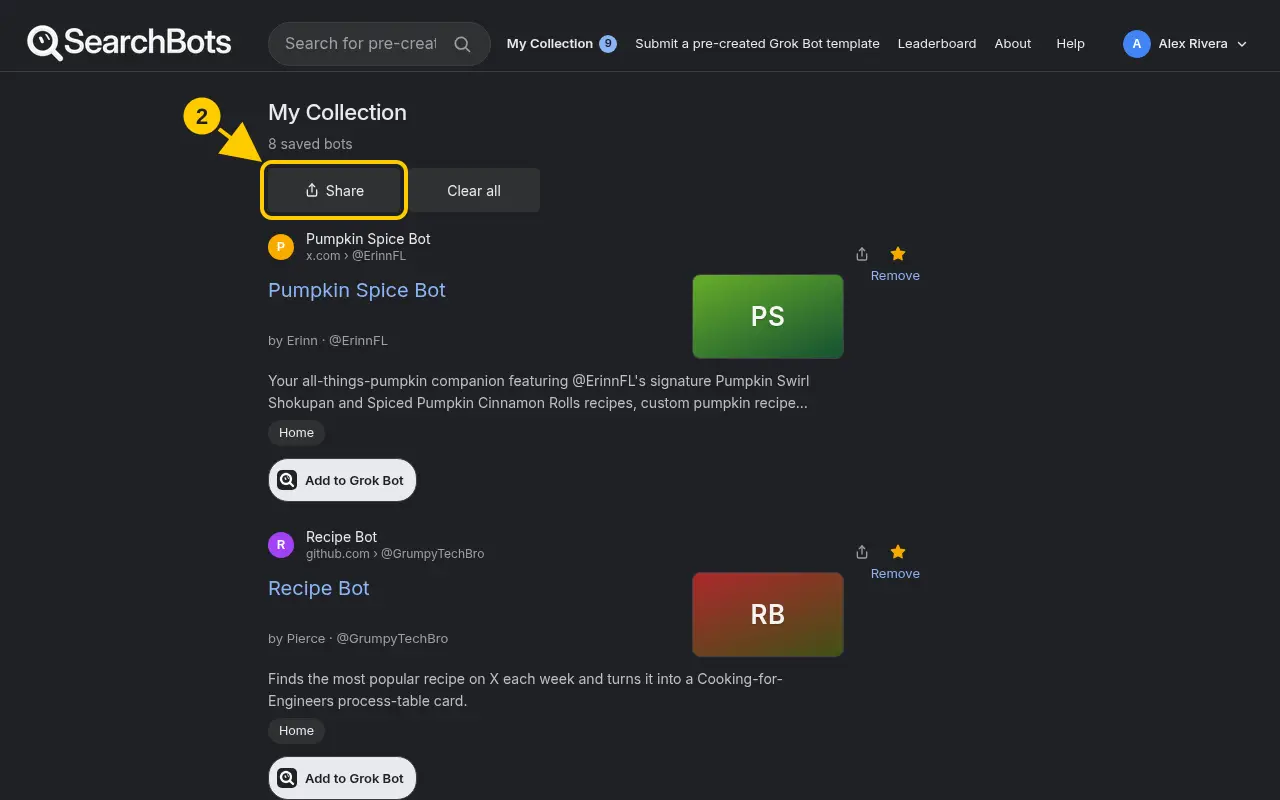
Open My Collection, click Share and copy the link.
Steps
- Click My Collection at the top of the page.
- Click Share, then Copy link, or pick an app like X, WhatsApp or Text message.
- When someone opens your link, they can click Add all to my collection to save the same bots.
Good to know
- Pro members can also make named public lists from the Plan and billing page under Pro tools.
Was this helpful?Thanks for the feedback!