
Help › Reports, ownership and privacy
How do I report a listing?
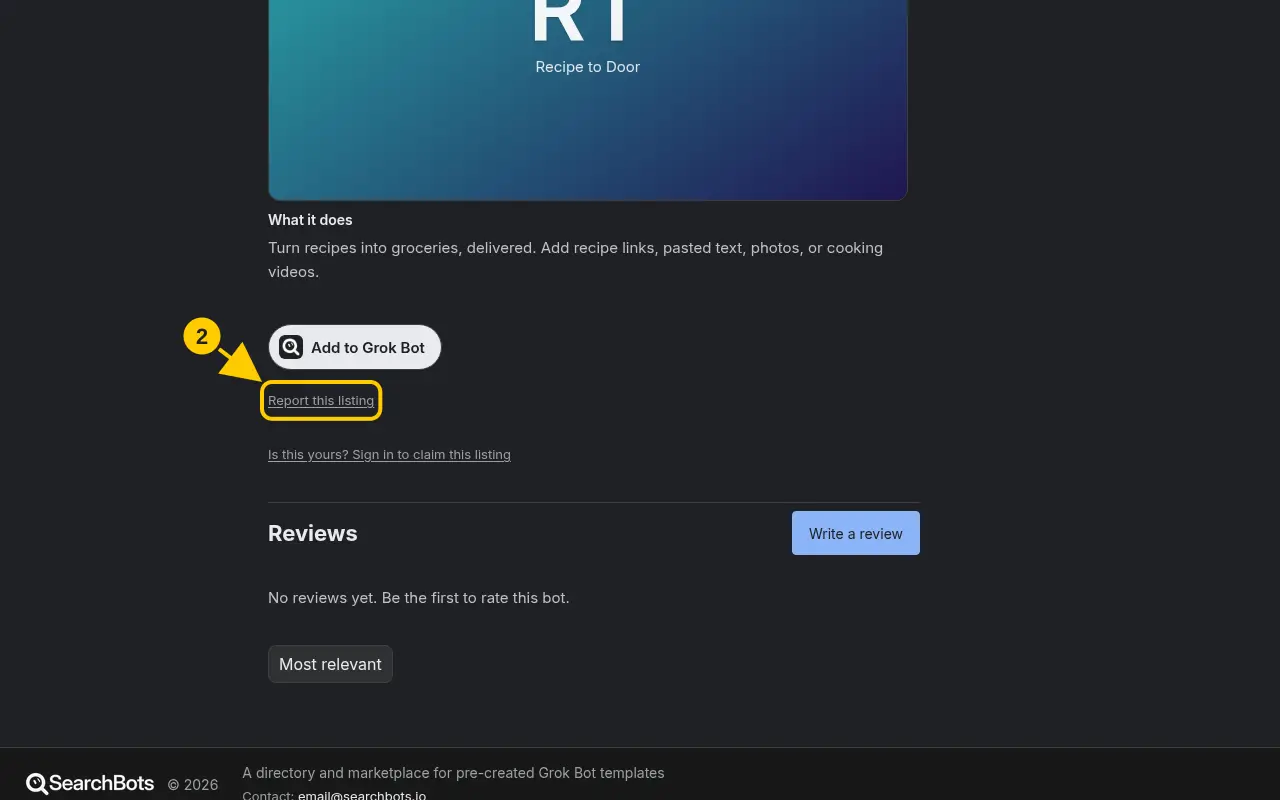
Click Report this listing on the bot’s page, pick a reason and send it.
Steps
- Open the listing you want to report.
- Click Report this listing near the bottom of the listing.
- The support form opens with the listing’s link filled in. Pick a reason: Broken link, Stolen or copied, Misleading or Spam.
- Add any details and click Send.
Good to know
- If someone is selling a template you made, the Report: this is my work link on paid listings starts an ownership review. See this guide.
Was this helpful?Thanks for the feedback!