
Help › Reports, ownership and privacy
How do I contact support and check my ticket?
Send the form at the bottom of this page. Use your ticket number and email to check its status.
Steps
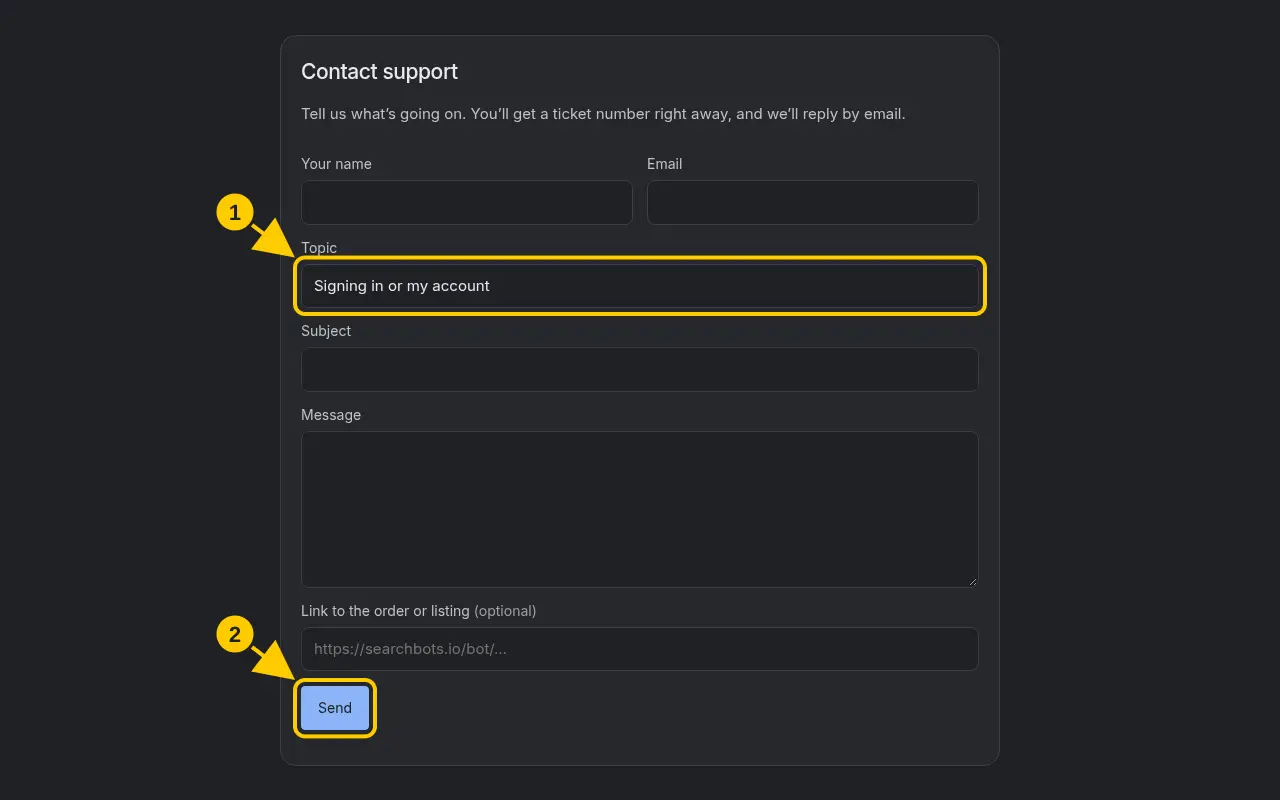
- Scroll to Contact support and fill in the form.
- Click Send. You’ll see your ticket number (like SB-AB12C) and get it by email.
- To check on it later, use Check ticket status with your ticket number and email.
- Reply to our email any time to add more details.
Good to know
- Pro members get priority support when they’re signed in.
Was this helpful?Thanks for the feedback!