
How do I filter and sort search results?
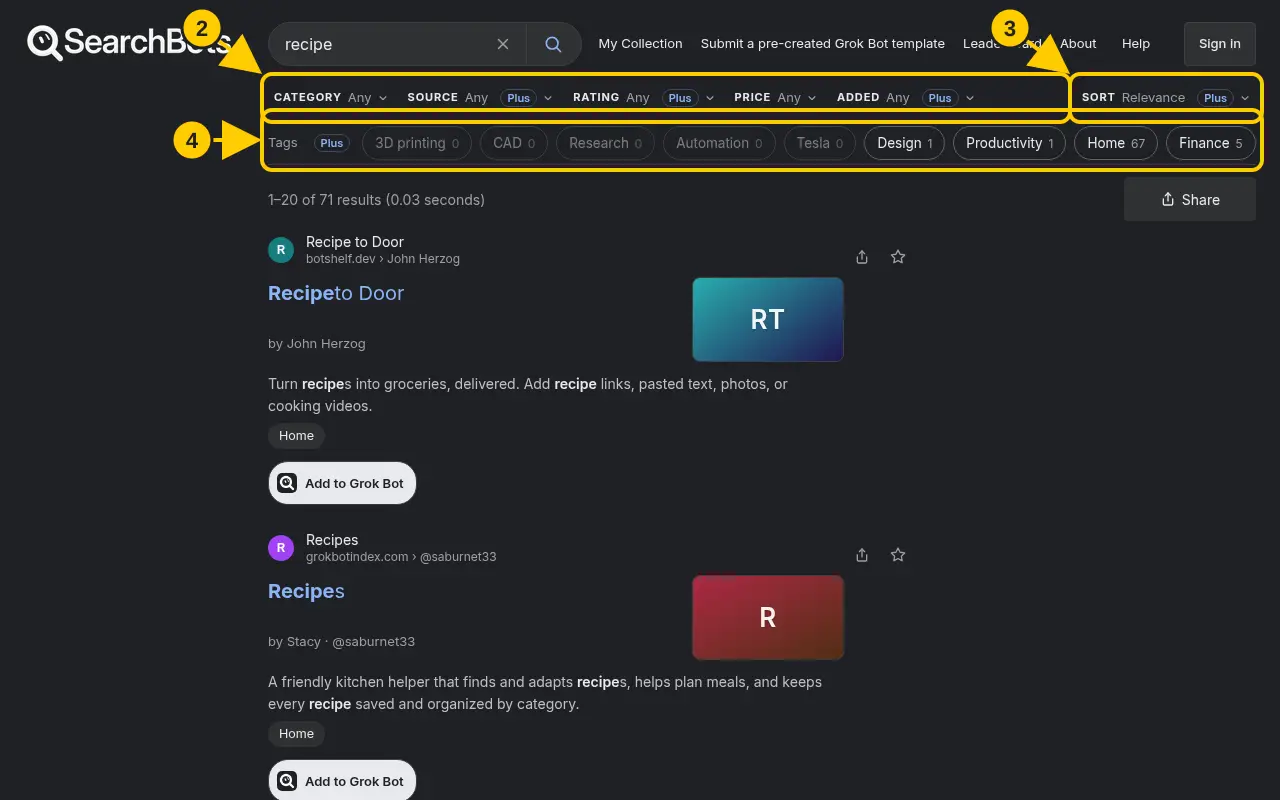
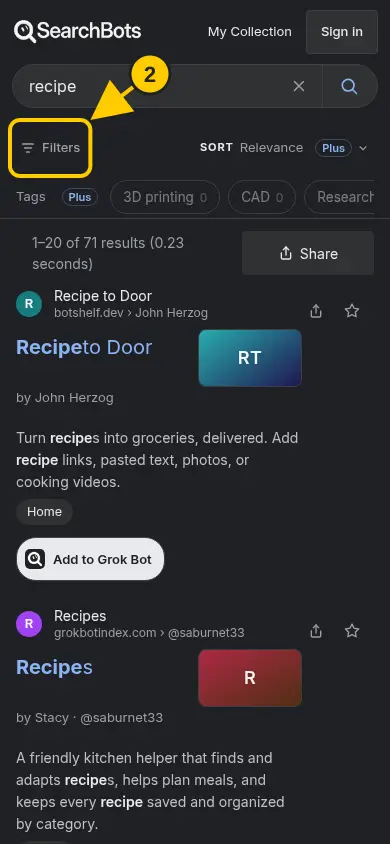
Use the filter chips above the results, or the Filters button on a phone.
Steps
- Search for something to open the results page.
- Click a filter chip above the results, such as Category, Price, Rating, Source or Added, and pick an option.
- Use the Sort chip to sort by relevance, most favorited, highest rated and more.
- Click a tag in the tag bar to narrow results to that tag.
- To remove a filter, click the × on its pill, or use Clear all.
Good to know
- On a phone, tap Filters, choose your options, then tap Show results.
- Some advanced filters and tags are part of Plus. Free accounts get category, price and text search.
Was this helpful?Thanks for the feedback!