
How do I add a bot to Grok Bot?
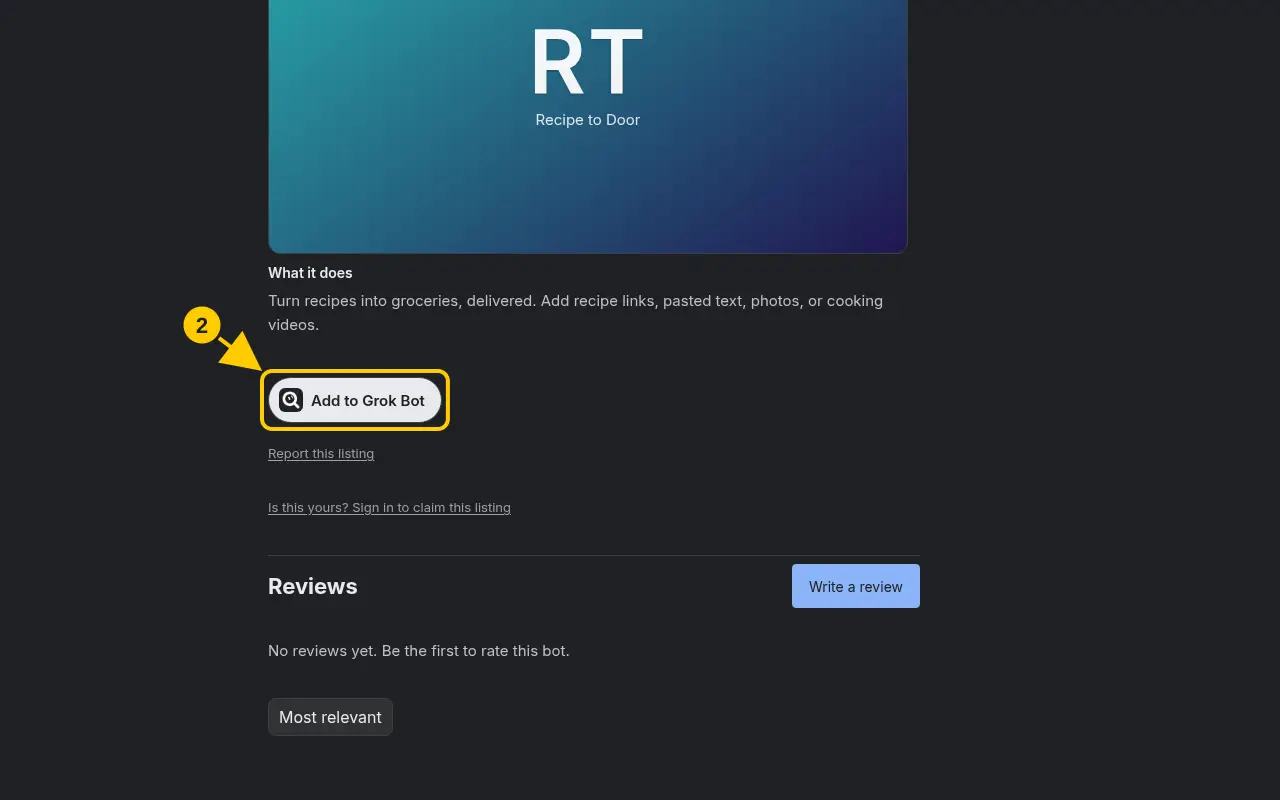
Open a listing and click Add to Grok Bot. The official template link opens in the Grok Bot app.
Steps
- Search for a bot and click its name to open the listing.
- Click Add to Grok Bot.
- SearchBots checks the link first, then opens the official template in the Grok Bot app.
- In the Grok Bot app, follow its prompts to add the template.
Good to know
- On a paid bot the button says Buy for $… until you’ve bought it. See How do I buy a paid bot?
- Each plan has a daily add limit. See Why can’t I add more bots today?
Was this helpful?Thanks for the feedback!