
How do I claim a listing that’s mine?
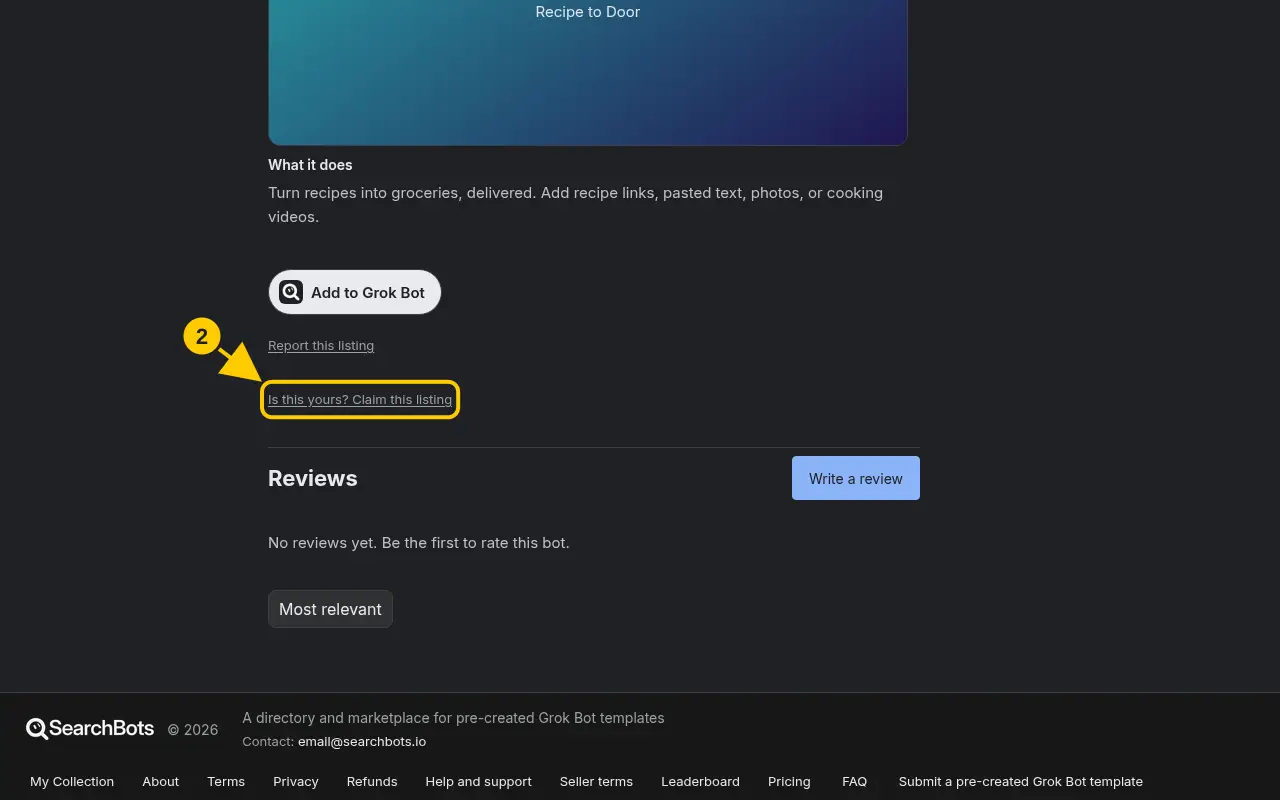
On the listing, click Is this yours? Claim this listing, then verify with X, a code, or a manual review.
Steps
- Sign in and open the bot’s listing page.
- Click Is this yours? Claim this listing.
- Pick one way to verify: Verify with X (if your X account matches), Get a code to add to your public profile, or Send for review to ask us to check by hand.
- If you chose a code, add it to your profile, then click Check now.
- Once verified, you’ll see You own this listing and an Edit listing button.
Good to know
- The code works for 7 days. You can remove it from your profile after you’re verified.
Was this helpful?Thanks for the feedback!